Image edit
A photo and a prompt: the whole picture is re-rendered to follow it, rather than nudged.
Nodes: Prompt and Image → Image edit → Output. Needs a Snapdragon 8 Elite or newer and one of the edit models: FLUX.2 Klein (4B or 9B) or Qwen Image 2.1.
Where Image to image repaints a photo loosely, an edit model reads the photo as a reference and follows an instruction: the composition survives, the content changes. Make it winter, turn the car red, put a hat on the dog.
Steps
- Install FLUX.2 Klein or Qwen Image 2.1 under Models (see below for which).
- Flows → Image edit. With Qwen selected in Models, it opens as a Qwen edit; otherwise as FLUX.2.
- Tap the image node and choose the photo.
- Write the instruction in the prompt:
make it a snowy winter evening. - Run.
FLUX.2 or Qwen?
| FLUX.2 Klein 4B | Qwen Image 2.1 | |
|---|---|---|
| Download | 6.7 GB | 10.8 GB |
| Speed (edit, 8 Elite) | about a minute at 512 | about 14 minutes at 1024 |
| Strength | Fast, good at style and scene changes | Follows long instructions; reads the photo with a vision model; can write legible text |
| Best size | 512 × 512 with a reference (see below) | smaller sizes are much faster |
Start with FLUX.2. Reach for Qwen when FLUX.2 does not understand what you asked.
Two pictures: the reference port
The Image edit node has a second input, reference. Wire another Image node into it and
you can combine two pictures: in the prompt, the base photo is image 1 and the reference is
image 2 — put the jacket from image 2 on the person in image 1.
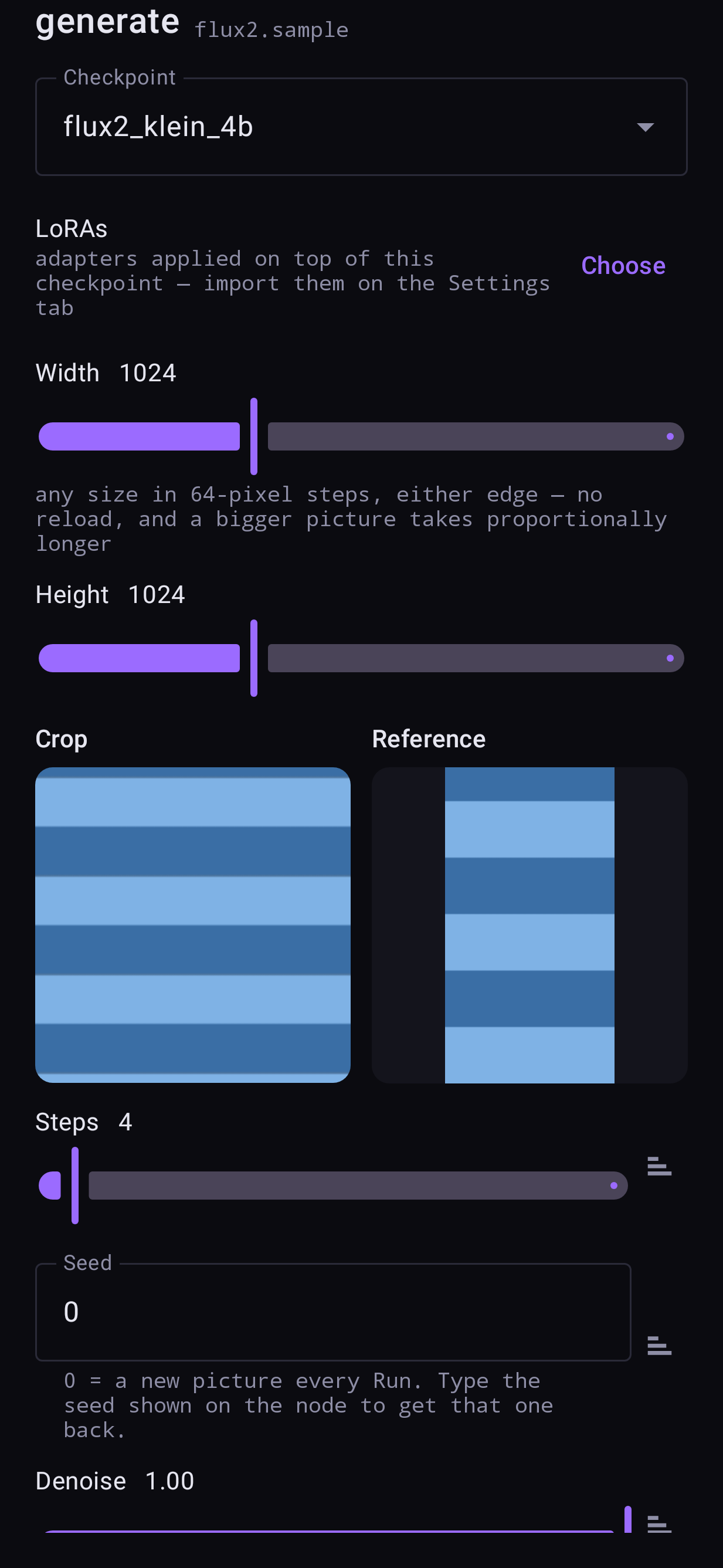
You can also wire only a reference and no base photo: generate something new, guided by this picture.
Keep FLUX.2 at 512 with a reference
With FLUX.2, a reference is processed at your output size, not its own. On a 12 GB phone a 1024 × 1024 edit with a reference runs out of memory; 512 × 512 finishes in about a minute. The Reference tab warns you when the size is too big. For Qwen, reference editing is new — please report how it goes.
Denoise and padding
- An edit starts at denoise 1.0: the full schedule runs and the photo guides it as a clean reference. Lower values start from the photo itself and change less.
- Allow padding in the crop window lets the frame zoom out past the photo; the empty part is filled with the Pad choice (black, blur, or green for an outpaint LoRA) and generated.