Video
A prompt in, a two-second clip out — 49 frames at 1024 × 640, on the NPU.
Needs a Snapdragon 8 Elite or 8 Elite Gen 5 and the video models (about 8.6 GB). It does not use your picture model; the video has its own.
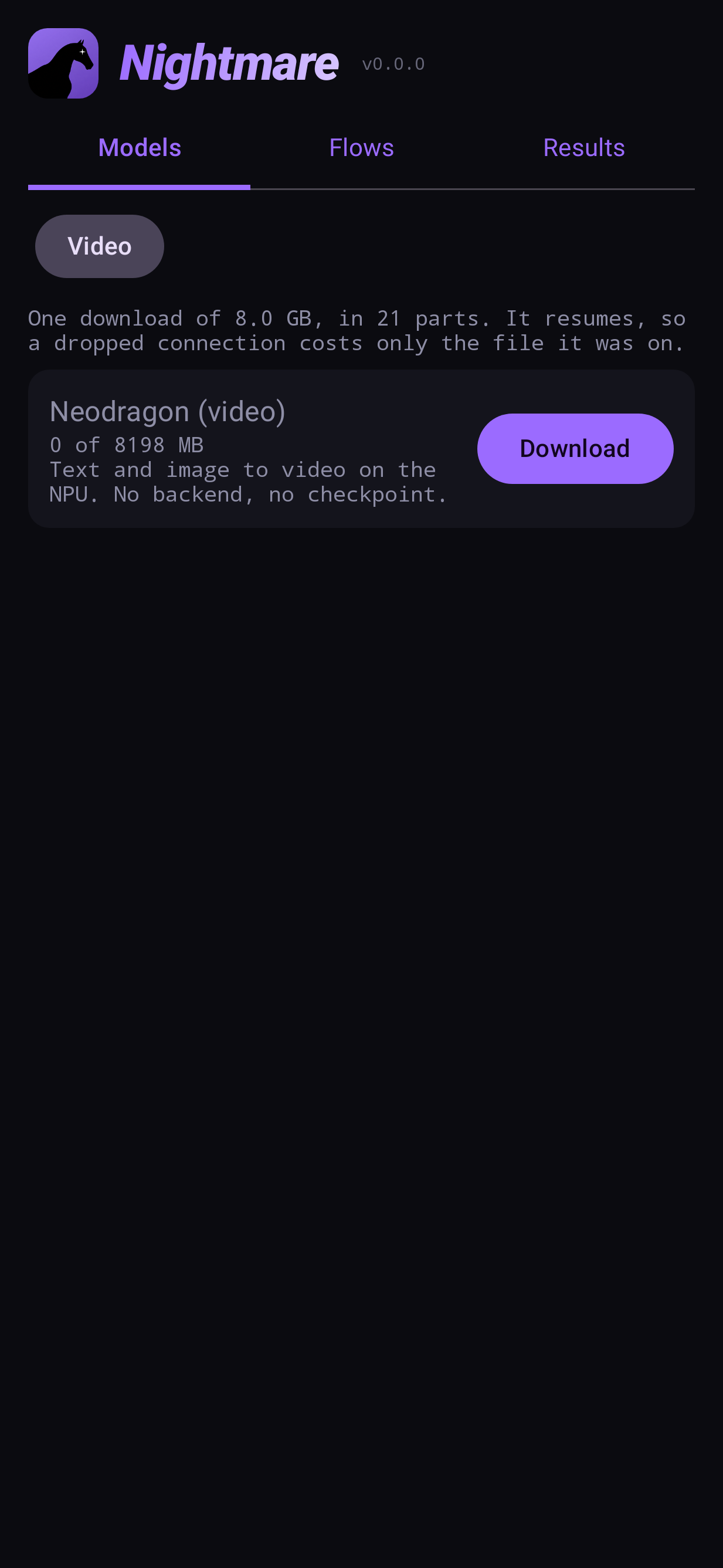
Install the video models
Models → Video → Download. The download is 21 files; it resumes, so a dropped connection only costs the file it was on. Use Wi-Fi.
Before offering the download, the app checks your chip by running a tiny real model on it, rather than trusting its name. If that check fails, the row says your device cannot run it.
Text to video
Nodes: Prompt → Video → Output.
- Flows → Text to video.
- Write the prompt: describe the scene and the motion —
waves rolling onto a beach at
   sunset, camera slowly panning right
. - Run. About 25 seconds on an 8 Elite.
The clip loops on the node that made it; tap it to play it full screen. With Save on
(the default), an MP4 is also written to Movies/Nightmare.
Image to video
Nodes: Prompt and Image → Video → Output — the same flow with a photo wired in.
- Flows → Image to video.
- Choose the photo on the image node. It is framed to the video's shape; drag and pinch in the framing view to choose the part that is animated.
- Describe the motion you want, and Run. About 20 seconds.
Video settings
| setting | does |
|---|---|
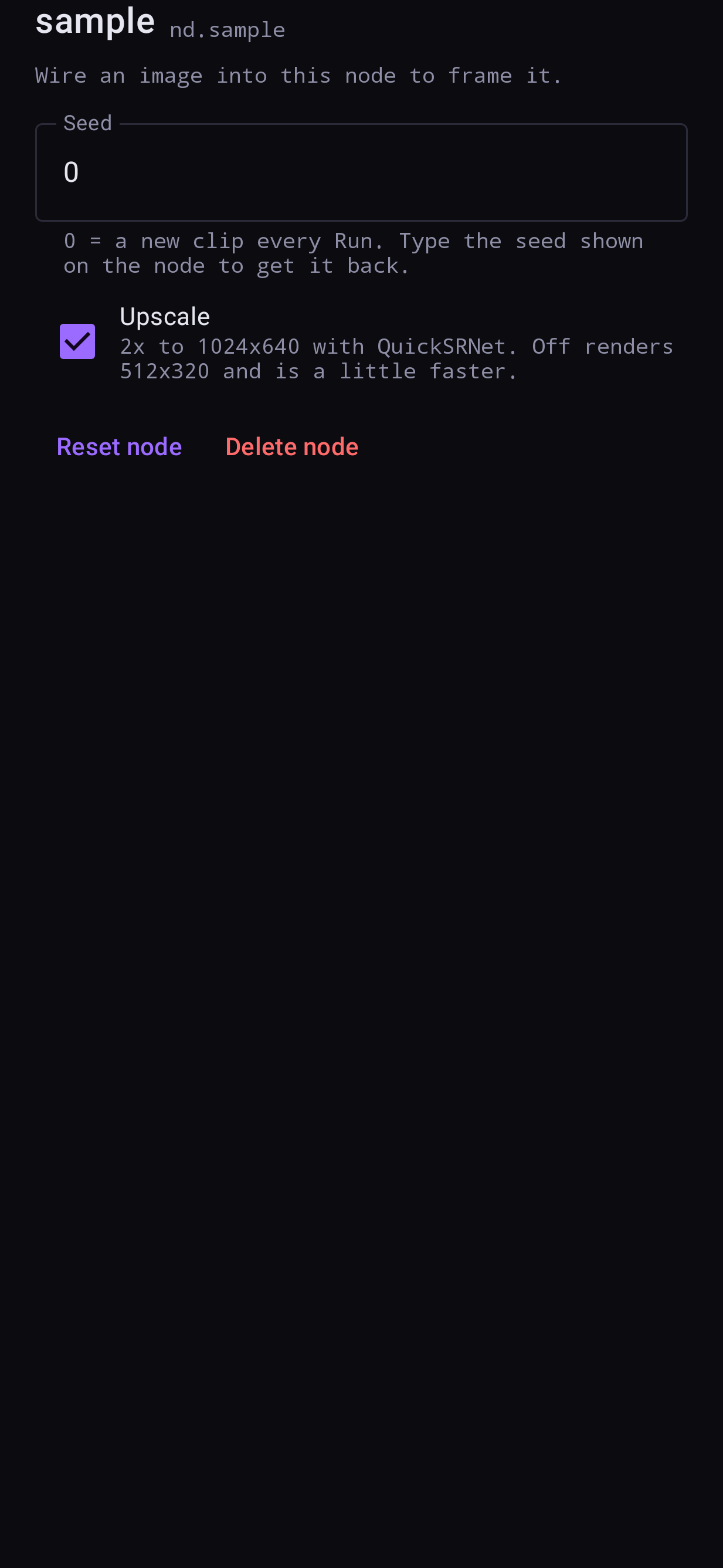
| Seed | 0 = a new clip every Run; type a seed shown on the node to get that clip back |
| Upscale | On: 2× to 1024 × 640. Off: 512 × 320, a little faster |
| Save (output) | Writes an MP4 to Movies/Nightmare, which outlives the app's cache |