Results
Results (top of the screen) holds everything you have made, newest first. Each picture is kept together with the flow that made it — prompt, model, seed, every setting — so you can always get back to exactly how it was made.
Browsing
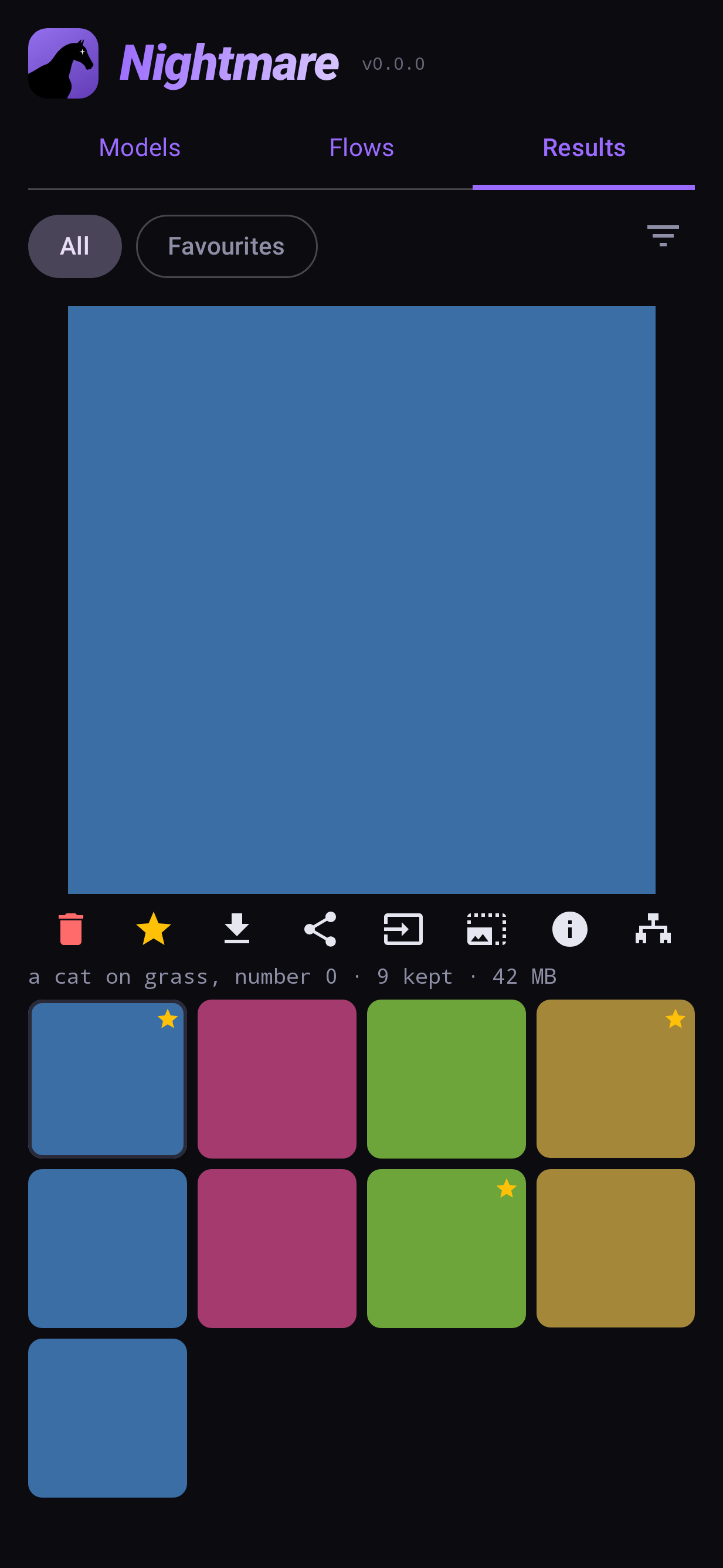
- All / Favourites switch between everything and the pictures you starred. The filter icon narrows the list further.
- A batch is kept as one group: its pictures are shown together under one card.
- Tap a picture to show it large; tap the large one to see it full screen (pinch or double-tap to zoom).
The picture's buttons
| button | does |
|---|---|
| 🗑 Delete | Removes it (asks first) |
| ★ Favourite | Stars it; starred pictures appear under Favourites |
| ⬇ Save to gallery | Writes a copy to your phone's gallery |
| Share | Shares the picture with another app |
| Send to a flow | Offers the flows that take a photo — Image to image, Inpaint, Image edit, Upscale, Image to video — and opens the one you pick with this picture in it |
| Upscale | Enlarges it with an upscaler; the bigger copy is kept as a new item |
| ⓘ What made this | The prompt, model, seed and settings |
| Open flow / share the flow | Reopens the flow that made it on the canvas, or shares that flow as a file |
A clip plays on its card; tap it to play it full screen.
Selecting several
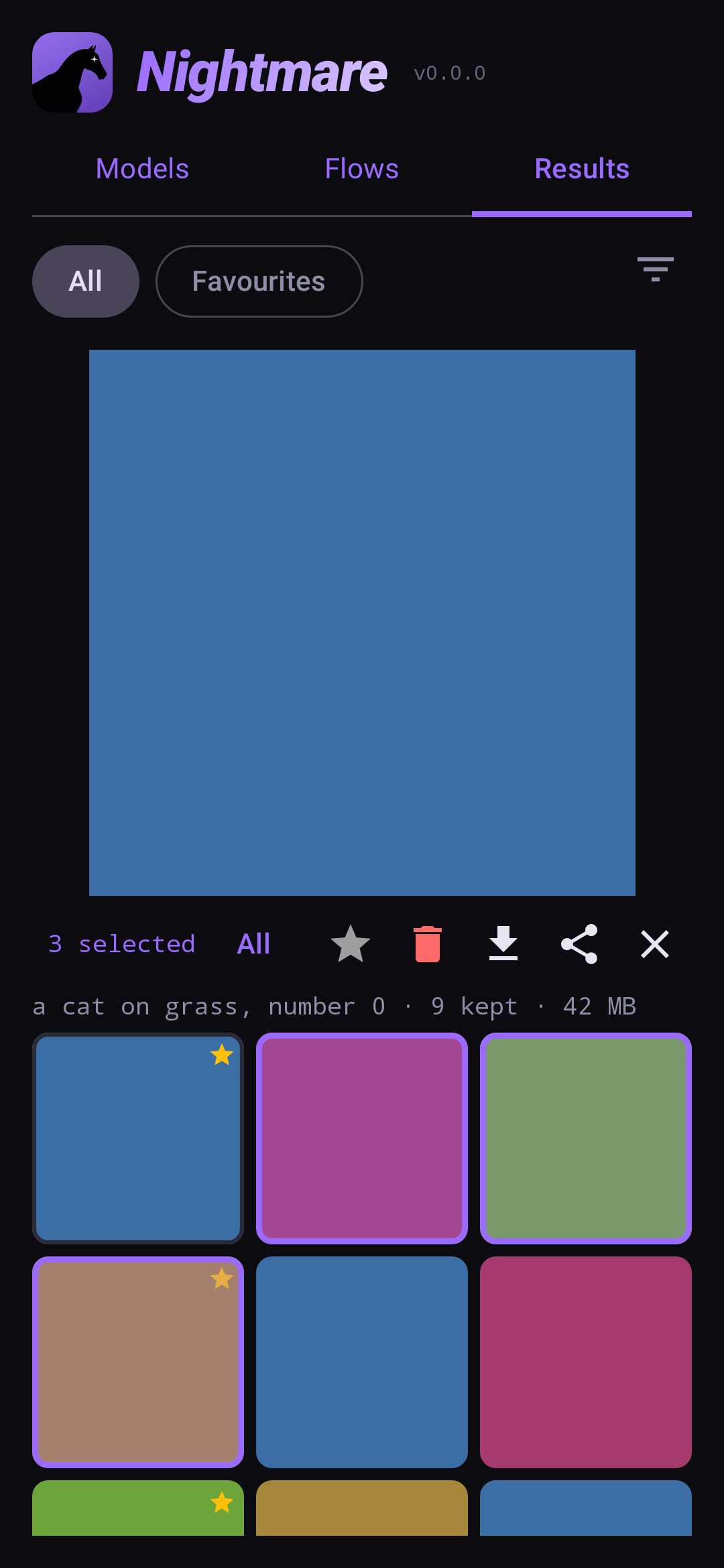
Long-press a picture to start selecting, then tap more. Save, share and delete then act on all of them. The ✕ stops selecting.