Settings
Open Settings with the ⚙ gear at the top right of the canvas. It has four tabs: General, Add-ons, Translation and Downloads.
General
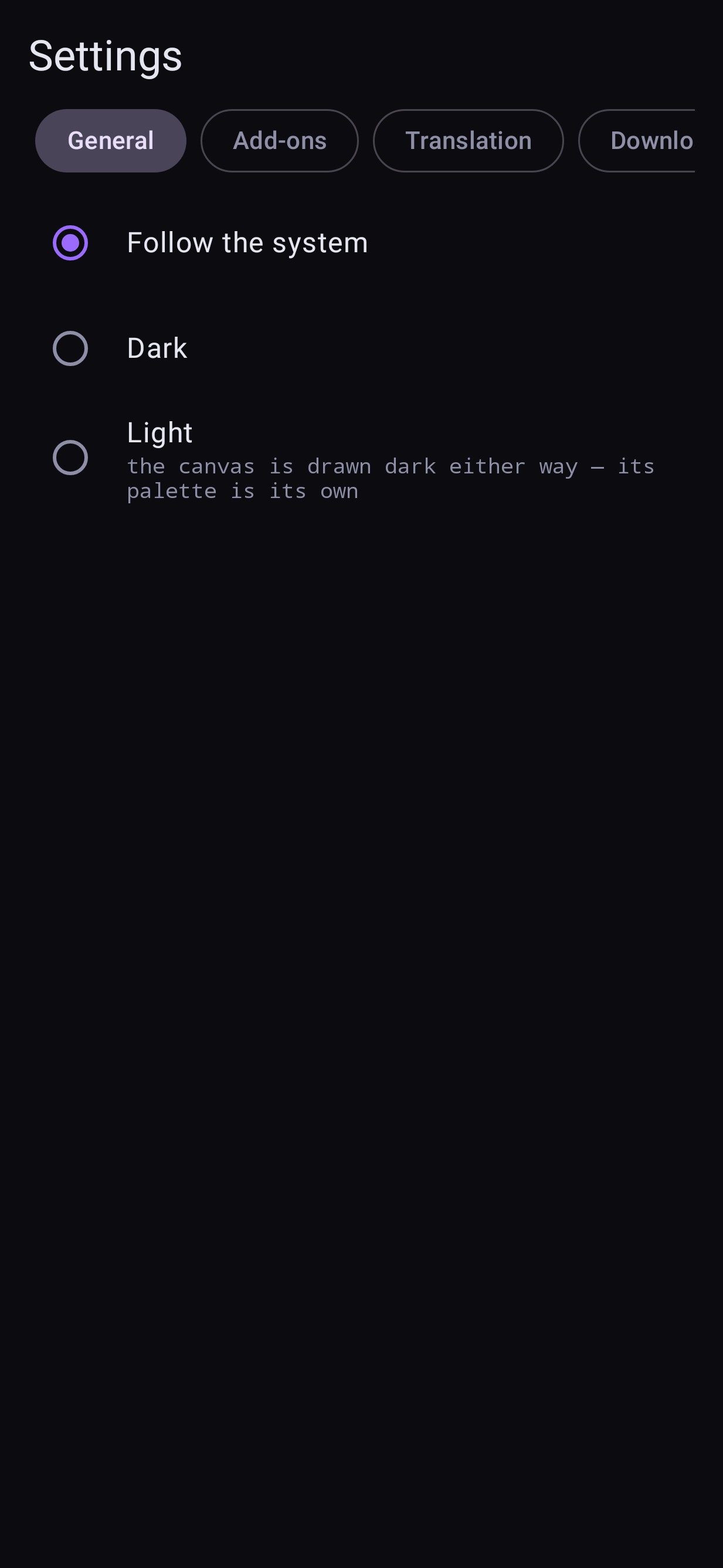
Theme
Follow the system, Dark or Light. The canvas itself is always drawn dark; the theme changes everything around it.
Keep rendering in the background
Shown only when your phone's battery manager may stop the app while it is not on screen. Tap Allow in background so a render in progress, or a loaded model, is not cut off when you switch apps.
Memory
Three switches, the same as LocalDream's. Their defaults are set from your phone's RAM.
| switch | default | what it does |
|---|---|---|
| SDXL low RAM mode | on under 16 GB, off at 16 GB+ | Loads each part of an SDXL model on demand and frees it after use. Required under 16 GB. Disables the live preview while it renders |
| Anima low RAM mode | on under 16 GB, off at 16 GB+ | The same, for Anima |
| Anima DiT sequential loading | off | Only with Anima low RAM mode: never keeps both halves of Anima's model in memory at once. Turn it on if you have 12 GB and Anima still cannot run. Slower per step |
Changing a switch takes effect on the next Run (a loaded model of that family is let go). More in Memory and speed.
Add-ons
- LoRAs — import
.safetensorsadapters for FLUX.2 and Z-Image; the list shows each one's size, and the bin deletes it. LoRAs - Embeddings — import textual-inversion files and use them by name in a prompt.
Translation
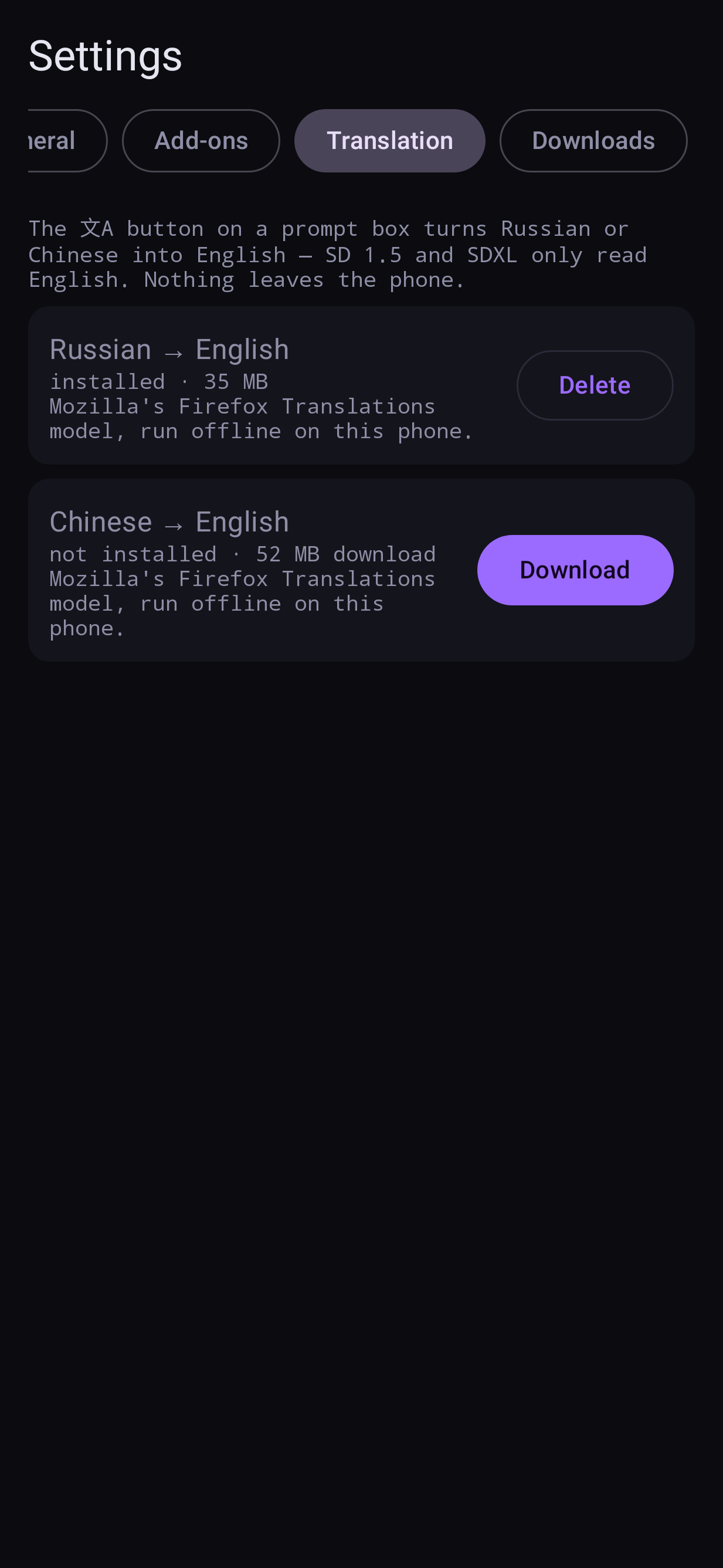
Nightmare can translate a Russian or Chinese prompt to English on the phone, offline — SD
1.5 and SDXL only read English. The 文A button on a prompt box does it; the same button
undoes it. Weights like (long hair:1.2) and English tags pass through untouched.
This tab lists the two translation models (Mozilla's Firefox Translations: 37 MB for Russian, 55 MB for Chinese) with Download and Delete. If you tap 文A before a model is installed, the app offers to download it and translates as soon as it lands. About 15 ms a prompt; nothing leaves the phone.
Downloads
Models folder
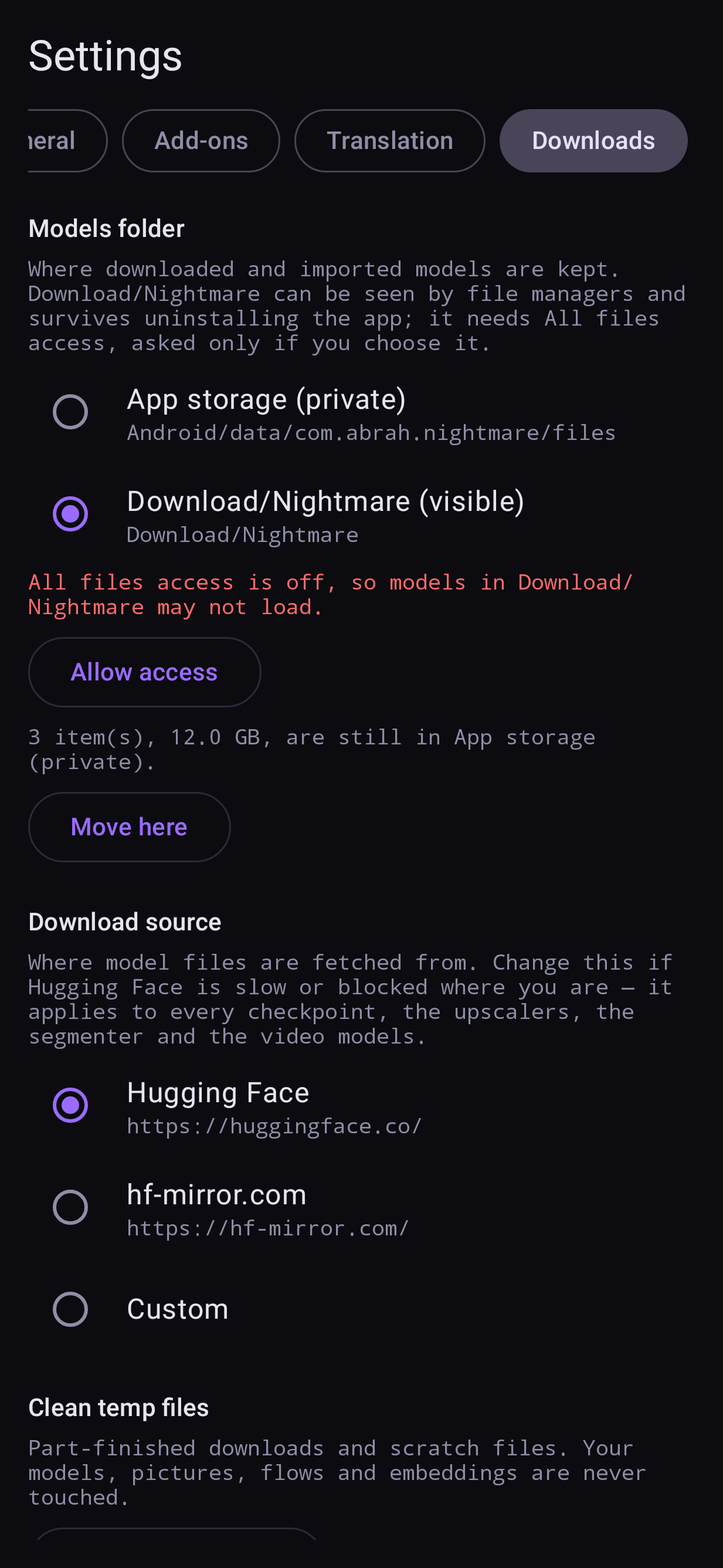
Where downloaded and imported models are kept:
- App storage (private) — the default. Nothing else can see the files, and uninstalling the app deletes them.
- Download/Nightmare (visible) — any file manager can reach them and they survive an uninstall. Needs All files access, which is asked for only when you choose this.
Switching offers to move the models you already have, with the size, a progress bar and Cancel; the phone needs free space for the largest model while it moves. Loading speed is the same in either place.
Download source
Where model files are fetched from: Hugging Face (default), hf-mirror.com, or a Custom base address. Change it if Hugging Face is slow or blocked where you are — it applies to every model, upscaler, segmenter, pose detector, depth estimator, ControlNets, translation model and the video models.
Clean temp files
Finds part-finished downloads and scratch files and deletes them after asking. Your models, pictures, saved flows and embeddings are never touched. (An unfinished download then starts again from the beginning.)